
Photo sharing
How to Collect Every Photo From Your Event (Not Just the Hashtag)
Collect event photos in one shared album. Tap-to-share bracelets open a browser page where attendees choose and upload the pictures they want to share.
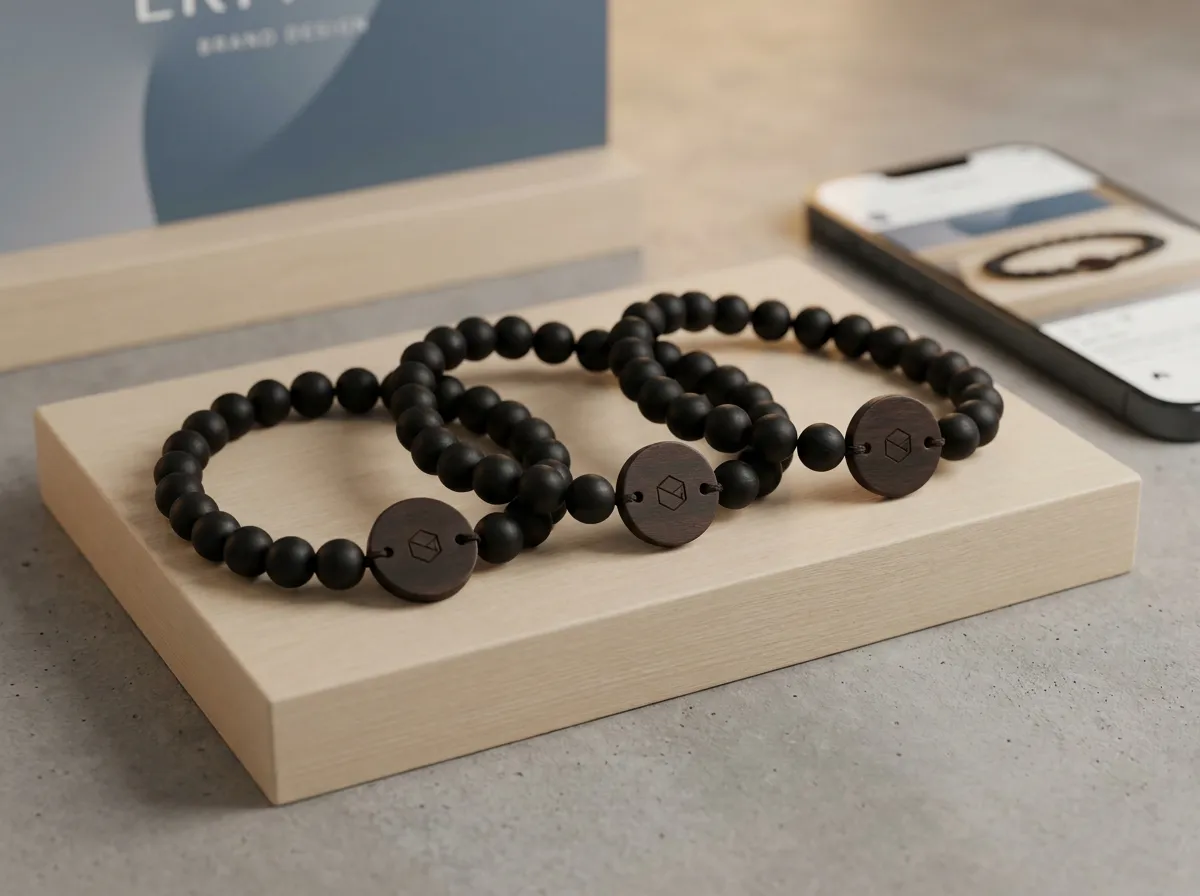
To collect event photos from everyone in the room, give each attendee a tap-to-share band: they tap it to their phone, their own upload page opens, and every uploaded shot flows into one live shared album you keep. That replaces the old hashtag-and-hope routine, where most of the night’s best pictures stay locked on individual camera rolls and you never see them.
Hashtags ask people to remember a string, type it correctly, set their post to public, and actually post. Most won’t. The pictures that matter most for your recap are the candid ones nobody bothers to share. The fix is to make sharing the easiest action at the event, not an extra chore after it.
Why does the hashtag method lose so many photos?
A hashtag is a request, and requests leak at every step. Someone has to recall the tag, spell it right, choose to publish to a public account, and tag it correctly. Each step quietly drops people, so what you end up with is a thin, self-selected slice of the night — mostly the few attendees who already post everything.
There’s a second problem: a public hashtag only captures what people are willing to broadcast to their followers. The warm, off-the-cuff moments — a quiet toast, a hallway reunion, a team photo at the booth — rarely make the cut. Those are exactly the images that make a strong recap or a sponsor report, and the hashtag method is structurally bad at capturing them.
The best event photos aren’t the ones people post. They’re the ones that never leave the camera roll — unless you make sharing a single tap.
How does tap-to-share collect every photo?
Each attendee wears an engraved bead band with a small hidden chip and a printed QR backup. A tap (or a QR scan for older phones) opens a personal upload page that greets them by name. They drop in photos right there, and everything lands in one live album you control as the organizer. No app to install, no account to create, no hashtag to remember.
Because the action is so light, you capture far more of the room:
- Candids, not just posts — people share moments they’d never publish to a public feed.
- Real-time flow — the album fills up during the event, so your screen wall or recap is fed live.
- Built-in fallback — the printed QR works for anyone whose phone doesn’t tap.
- No drop-off — there’s no “post it later” step where photos quietly disappear.
If you want to see how the band itself comes together — bead materials, the engraved wood tag, your event name — you can build one in the 3D configurator and watch it render as you go.
What about privacy — does everyone’s photo go public?
No. Every photo carries a visibility setting, enforced on the server, not just hidden in the interface. An attendee can mark a shot public (everyone sees it), group-only (just their table, team, or crew), or organizer-only (only you, the host). That means a guest can share a candid with you for the recap without broadcasting it to strangers.
This matters more than it sounds. People share far more freely when they trust where a photo lands. By making the private and group options first-class — rather than an afterthought — you remove the main reason attendees hold back. We go deeper on the mechanics in our guide to event photo privacy, and on the broader system in the event photo sharing app overview.
Who keeps the album, and what can you do with it?
You do. As the organizer, you own and can export the full album — the candids, the group shots, the booth moments — long after the venue empties. That single library becomes the raw material for almost everything you produce afterward:
- A same-day or next-morning recap email to attendees
- A highlight reel or social carousel for the event’s channels
- A sponsor or stakeholder report showing real engagement, not just headcount
- A head start on next year’s promotion
For multi-day programs, the album keeps building across every session, so by the closing keynote you already have the full arc of the event in one place — see multi-day conference photos for how that plays out across an agenda. And because access and check-in require a separate compatible system, the band that collects your photos is not automatically an admission credential. Photo capture is a natural fit for brand activations, where the whole point is generating shareable content you can actually use.
Can the bands match my brand or my clients’ events?
Yes. The bands are made to order from five up, with published per-band pricing, and most organizers order one per attendee. You choose the bead materials and engrave the event name on the wood tag, and the personal upload page and event page (agenda, map, sponsors, album) can carry your branding.
Agencies, experiential teams, and promotional-products distributors can run the whole thing under their own name through our white-label program, so the bands and pages look like a native part of your client’s event. For typical configurations and per-band prices, the pricing page lays out how the made-to-order model works, and the FAQ covers the common logistics questions. Planning a wedding instead of a corporate event? Our sister brand WearableWedding does the exact same thing for couples.
The takeaway
If you want every photo from your event — not just the handful someone remembered to hashtag — make sharing a single tap and give people real control over who sees what. A tap-to-share band turns every attendee into a contributor and hands you one owned, exportable album at the end.
Ready to design yours? Start in the configurator, or browse the use cases to see how organizers put the album to work.
