
Conferences
Multi-Day Conferences: Keep Every Day's Photos in One Place
Keep multi-day conference photos in one place by giving every attendee a tap-to-share band that feeds one live album across all days — no resets, no scattered galleries.
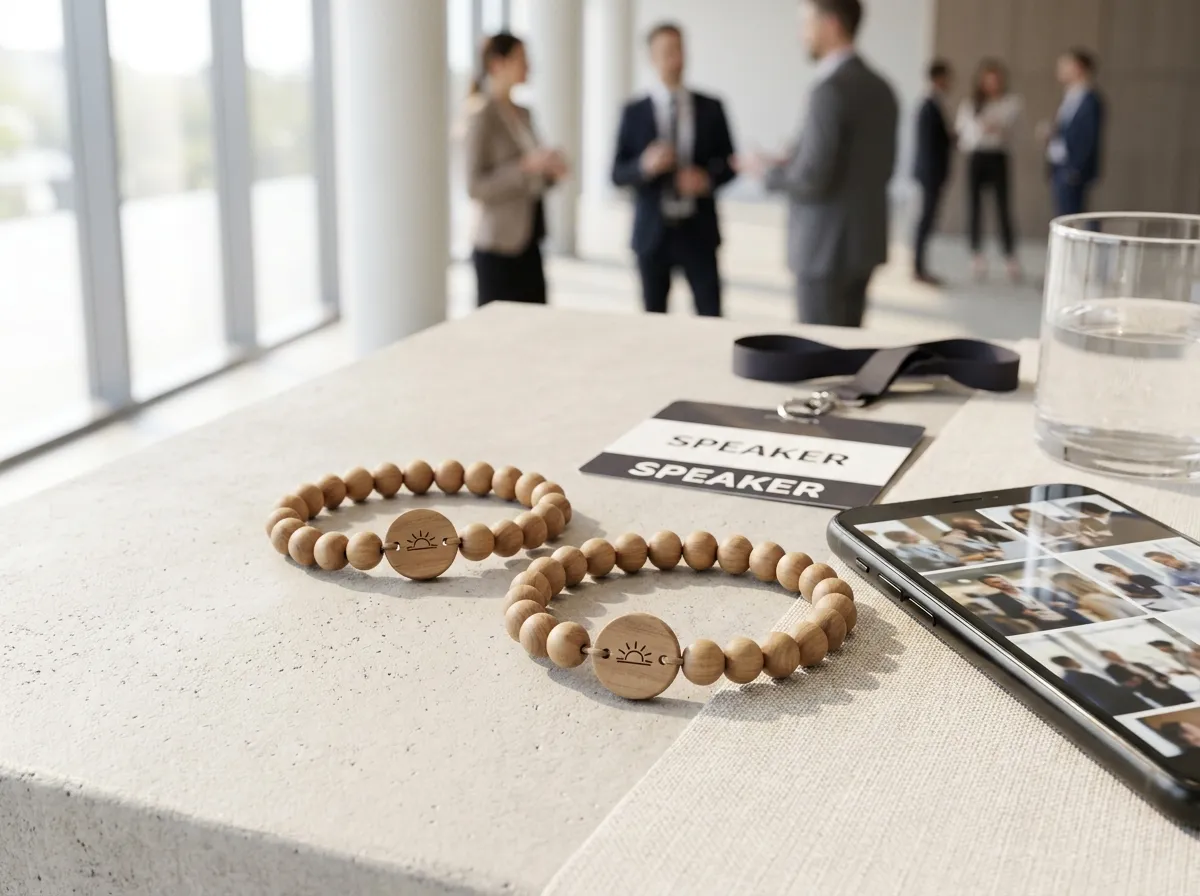
To keep every day’s photos of a multi-day conference in one place, give each attendee a single tap-to-share band that points to the same live album for the entire run — day one’s keynote, day two’s breakouts, and the closing night all land in one organizer-owned gallery instead of three. The band doesn’t reset between days, the link never changes, and nobody has to re-find a QR code or re-join an app each morning. By the time the last session wraps, your full recap is already assembled.
That continuity is the whole problem with long events. Most photo-collection methods quietly start over every day: a fresh hashtag for each track, a new QR poster in each ballroom, a Dropbox folder per session that someone has to merge later. Across three days that’s a dozen scattered buckets and a week of cleanup. One band tied to one album sidesteps all of it.
Why do multi-day conference photos end up scattered?
They scatter because the collection method is tied to the moment, not the attendee. Swap the room, the day, or the session and the collection point changes too, so the photos fragment along with it.
Here’s where it typically breaks down:
- Per-day QR codes. A new poster in each room means a new link in each room, and attendees rarely scan the same one twice.
- Hashtags. They live on a platform you don’t own, get misspelled, and pull in noise from outside your event.
- Event-app uploads. Day one has the download enthusiasm; day three has dead batteries and abandoned logins.
- The “send it to us after” plea. Almost no one does, and the few who do email full-resolution dumps with no captions.
A tap-to-share band fixes this by attaching the collection point to the person. Each attendee gets one band at registration, and it stays valid for the whole conference. When they tap it on day three, the same upload page opens, greets them by name, and drops their photo into the album that already holds days one and two.
How does one band cover multiple days?
The chip inside the band is encoded once and never expires for the run of the event, so it works identically every morning. There’s nothing to refresh, re-scan, or re-authorize — the attendee taps, their personal upload page opens, and the photo joins the running gallery.
One band, one album, every day. The recap writes itself while the event is still happening.
A WearableEvents band can link to an event page with the agenda, venue map, sponsor list and album throughout the conference. Tap-to-check-in needs a separately supplied compatible system, suitable readers and agreed credentials; the photo link alone is not an entry pass. For the chip basics, see our NFC event wristbands guide.
What about privacy across a long event?
Privacy holds up over multiple days because every photo carries its own visibility setting, enforced on the server rather than left to a social platform’s defaults. An attendee chooses, per photo:
- Public — anyone in the event album can see it.
- Group-only — visible to a defined group, useful for a specific track, team, or breakout.
- Organizer-only — it reaches you for the recap but stays out of the shared view.
That matters more as a conference runs long, because the candid stuff accumulates. A late-night networking shot, a half-finished whiteboard, a sponsor dinner — attendees can share freely knowing the controls are real and consistent every day, not reset or forgotten on day two. You can read more in our note on event photo privacy.
How do organizers use the finished album?
Because you own and export the album, a multi-day event hands you a single, sorted asset instead of a scavenger hunt. In practice, organizers pull a few things from it:
- A recap reel that spans the whole arc — not just the photographer’s day-one highlights.
- Sponsor deliverables, since photos that feature a sponsor’s activation are already in one place and exportable.
- A head start on next year’s promotion, with real attendee moments instead of stock imagery.
And the export is genuinely one file’s worth of effort, not three days of stitching folders together. Many organizers find the post-event “where are the photos?” scramble simply disappears, because the answer was assembled in real time.
The takeaway
For a conference that runs more than a day, the durable fix is to attach photo collection to the attendee, not the room or the schedule — one tap-to-share band, one organizer-owned album, valid from the opening keynote to the closing reception. You skip the per-day QR posters, the fragmented hashtags, and the post-event merge, and you walk away with a finished gallery and recap-ready footage.
Bands are made to order from just five, per-band pricing is published, and most organizers order one per attendee. If you run conferences for clients or manage an experiential program, white-label lets you put your own brand on the band and the event page. See how it fits your program on our conferences use-case page, design a band in the 3D configurator, or check the FAQ for setup details. Planning a wedding instead of a conference? Our sister brand WearableWedding does the same thing for the big day — more on the difference in wedding vs. event bands.
