
Corporate
Corporate Retreat Photos: Stop Hunting the Shared Drive
Collect corporate retreat photos in one shared album. Tap-to-share bands open a page where teammates choose and upload offsite pictures, with no app to install.
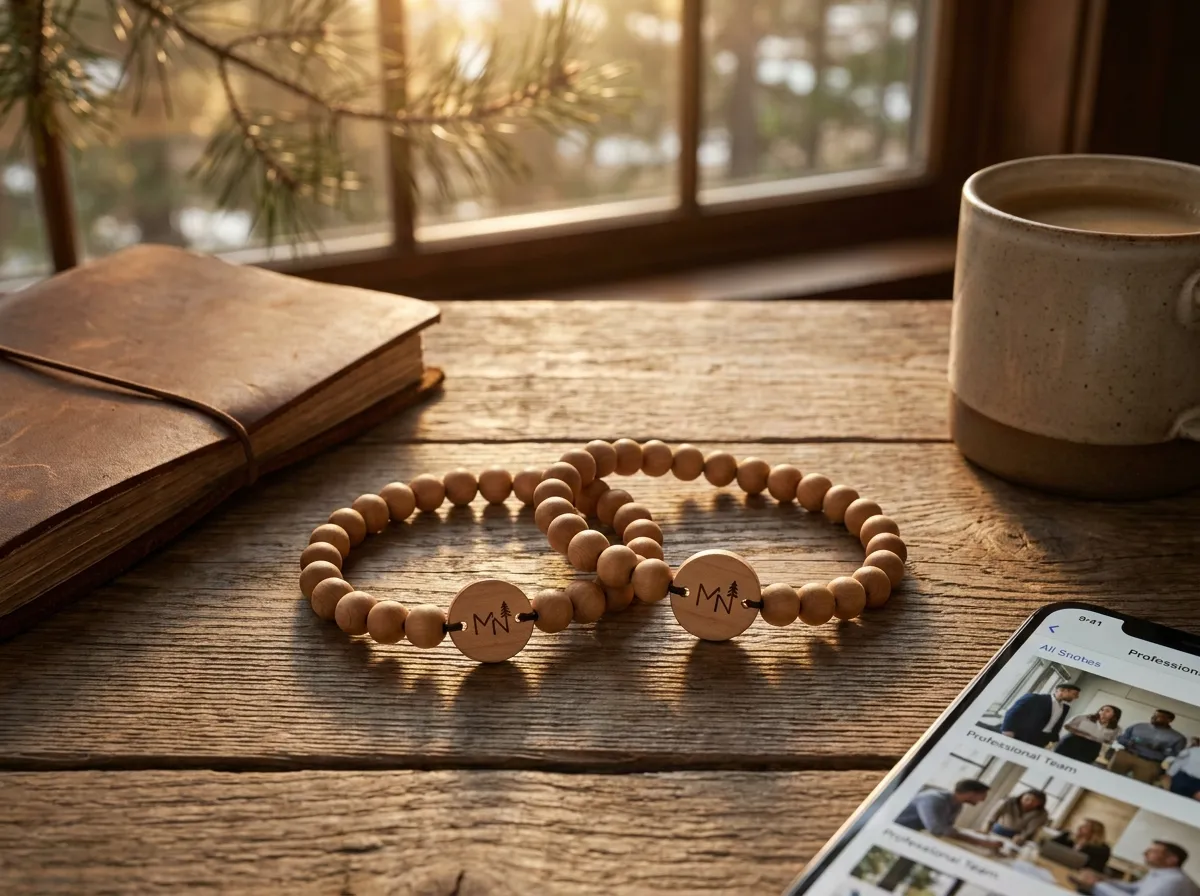
To collect corporate retreat photos, let attendees tap a band to open their personal upload page, choose pictures and submit them to one shared album. No app is required, and guests decide which photos they contribute. The album grows during the retreat as people upload.
If you’ve ever run a team offsite, you know the after-photo problem. The energy was real, the whiteboards were great, the dinner was a highlight — and three weeks later the visual record is a scattered mess across personal camera rolls, a Google Drive nobody uploaded to, and one blurry group shot in the company chat. The memories existed; the system to gather them didn’t.
Why do retreat photos always go missing?
Retreat photos go missing because the burden of collection lands on busy people after the moment has passed. You ask everyone to “drop their photos in the folder,” and that’s a chore competing with a full inbox the Monday they’re back. Most people never get to it.
The usual fixes all leak:
- A shared drive folder depends on everyone manually uploading later — which most won’t.
- A group chat buries the good shots under reactions and clips, and the photos compress and scatter.
- A hired photographer captures the keynote-style moments but misses the candid hallway laughs that make a retreat feel like a retreat.
- An event app with a photo tab means another download, another login, another thing to forget.
The common failure is that collection is an extra step people have to remember. Remove the step and the photos show up on their own.
How a tap-to-share band fixes it
Each attendee gets an engraved bead band with a hidden tap chip and a printed QR code as backup. They tap the band to their phone, their own upload page opens and greets them by name, and any photo they add flows into one live album the organizer keeps. There’s nothing to install and nothing to remember — the band is the prompt.
The retreat ends and the album is already done. No follow-up email, no folder to chase.
Because every band greets its wearer by name, uploading feels personal rather than like filling out a form. People who’d never bother opening a shared folder will happily tap a band on their wrist during the dinner and add the shot they just took. That small shift — from “upload later” to “tap now” — is what actually fills the album. It’s the same approach we walk through in our guide to collecting event photos, and it works just as well for an internal offsite as a 2,000-person conference.
If your retreat runs across several days, the band keeps working the whole time — there’s no per-day reset or new link to send. (We get into the multi-day rhythm in our multi-day conference photos breakdown.)
What about privacy on a work trip?
Privacy is the part most planners worry about, and it’s handled per photo rather than as an afterthought. Every image can be set to public, group-only, or organizer-only, and that setting is enforced on the server — not left to a polite request.
That matters on a work trip specifically. The team-building photos can be shared with everyone, the late-night karaoke shots can stay group-only, and anything an organizer wants to hold back for an internal recap can be organizer-only. People share more freely when they know the visibility is real and not a checkbox someone can override. For the deeper version of how this works, see our note on event photo privacy.
The organizer owns and exports the full album, which is where the real payoff lands.
What can you actually do with the album afterward?
You get one clean, exportable set of photos instead of a scavenger hunt — which means you can actually use them. A retreat album is genuinely useful internal content, and most teams underuse it simply because the photos were never in one place.
A few things organizers do with the finished album:
- A recap email or deck sent the same week, while the energy is still fresh.
- Internal-comms and careers content — real candid photos beat stock imagery for “what it’s like to work here.”
- Next year’s promo — last year’s retreat photos are the best sell for this year’s attendance.
- A simple highlight reel stitched from the candid shots people actually took.
The band can also link to a retreat page with the agenda, venue map and album. Check-in or door access requires a separate compatible system and credential setup. See our corporate events use-case page for the photo-sharing program.
The takeaway
Corporate retreat photos don’t have to vanish into personal camera rolls and an empty shared drive. Hand each person a tap-to-share band, let the album fill itself, and walk away with an exportable record you can actually use for recaps and recruiting. Bands are made to order from five, with published per-band pricing, and most teams order one per attendee. Design yours in the 3D configurator, check the FAQ for logistics, or explore white-label if you run offsites for clients. (Planning a wedding instead of an offsite? Our sister brand WearableWedding handles those.)
